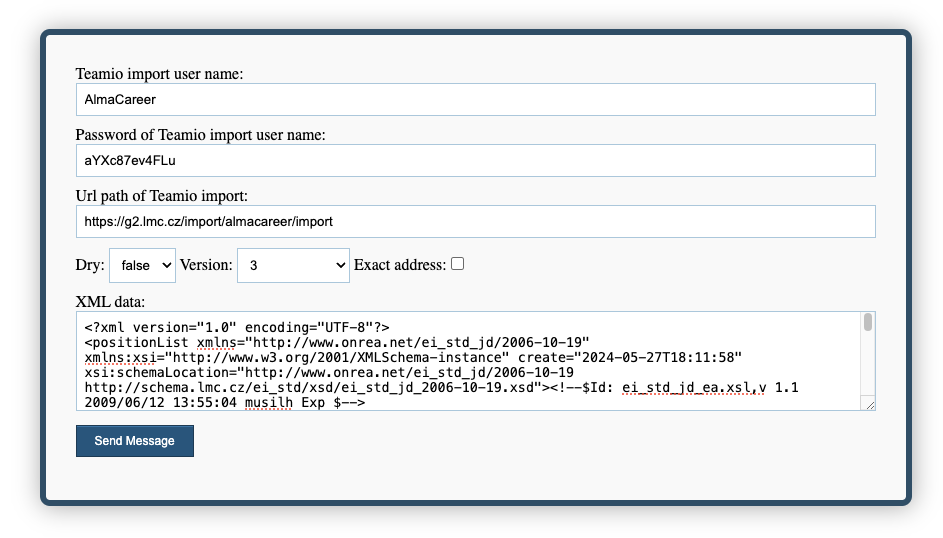
Test tool for Automatic import of vacancies
TestTool provides the ability to test sending requests to Teamio, allowing you to verify the validity of the XML file you are trying to submit to Teamio.
To conduct the test, you will need credentials, which will be provided by your business contact at Alma Czechia.
How to use the TestTool?
Fill in the first fields (username, password, urlpath/custompath) with the information provided by your business contact at Alma Career.
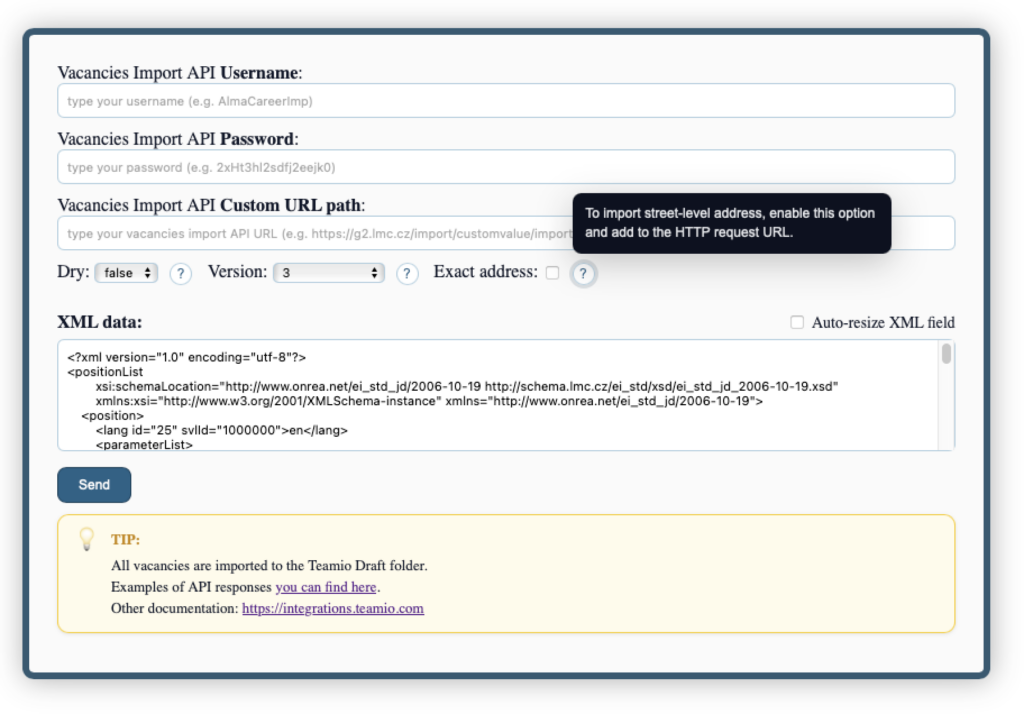
The DRY parameter determines whether the recruitment should be saved to Teamio after validating the XML or discarded. DRY = true means the request will be discarded after validation. DRY = false means the request will be saved to Teamio after validation. All recruitments are saved in the Drafts section in Teamio.
The Exact address parameter determines whether the exact address should be imported or only the address up to the municipality level. Fill in the XML data with the final XML according to the documentation.
The final configuration may look like this: